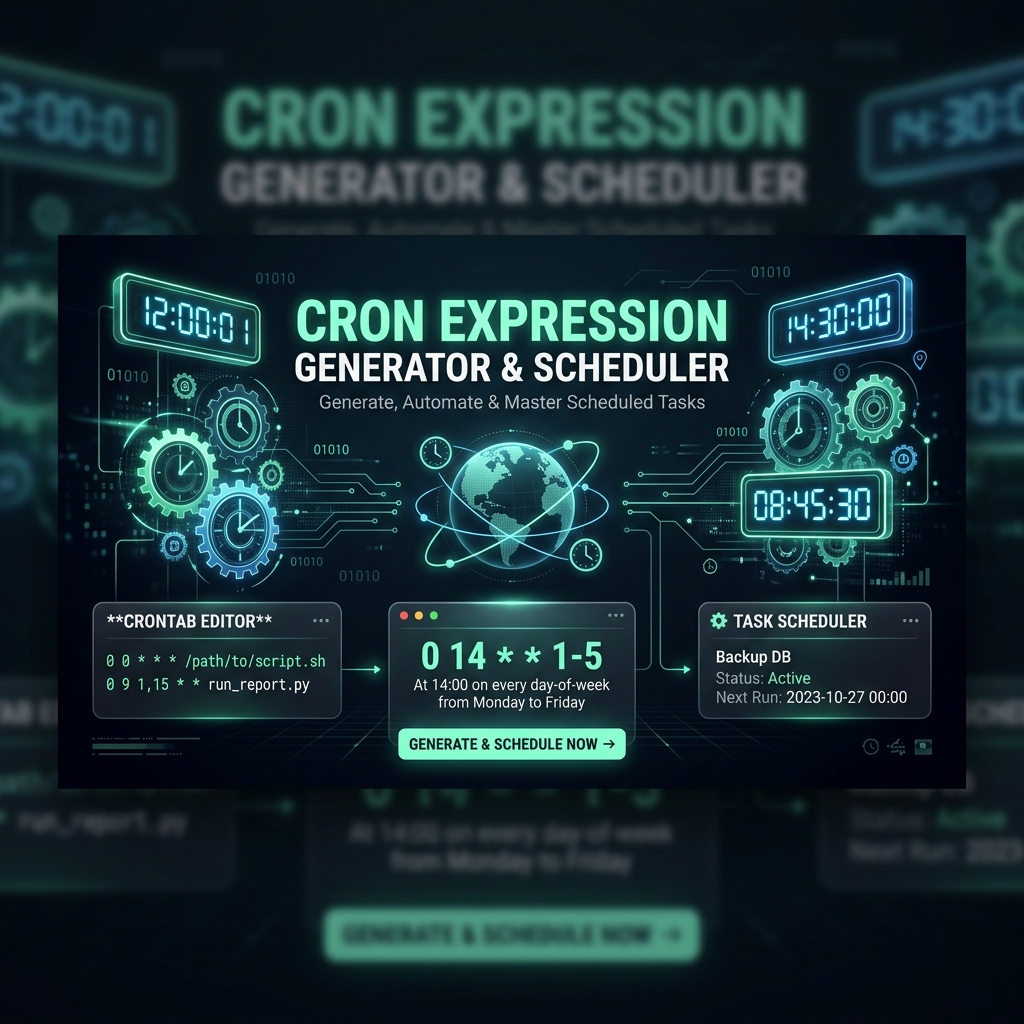
What is a Cron Job?
In Unix-like operating systems (Linux, macOS, BSD) and cloud hosting services (AWS EventBridge, Google Cloud Scheduler, Kubernetes), Cron is a background time-based job scheduler. System administrators and web developers use cron to automate repetitive tasks, such as daily database backups, hourly email notifications, log rotation, and periodic API syncs.
The Anatomy of a 5-Field Cron Expression
A standard cron expression consists of 5 fields separated by spaces. Each field represents a specific unit of time:
* * * * *
│ │ │ │ └────── Day of Week (0 - 7) (0 & 7 are Sunday)
│ │ │ └────────── Month (1 - 12)
│ │ └───────────── Day of Month (1 - 31)
│ └──────────────── Hour (0 - 23)
└─────────────────── Minute (0 - 59)
Special Characters and Operators
- Asterisk (*): Represents 'every' value. For example,
*in the minute field means 'every minute'. - Comma (,): Specifies a list of discrete values. For example,
1,15,30in the minute field means 'at 1, 15, and 30 minutes past the hour'. - Hyphen (-): Specifies an inclusive range. For example,
1-5in the weekday field means 'Monday through Friday'. - Slash (/): Specifies step values. For example,
*/15in the minute field means 'every 15 minutes'.
Common Cron Schedule Examples
| Cron Expression | Plain English Schedule Meaning |
|---|---|
| */5 * * * * | Run every 5 minutes |
| 0 0 * * * | Run every day at midnight (00:00) |
| 0 9 * * 1-5 | Run at 9:00 AM every weekday (Mon to Fri) |
| 0 12 1 * * | Run at 12:00 PM on the 1st of every month |
Build & Translate Cron Expressions Visually
Writing and debugging complex cron strings manually can lead to unexpected server execution times. To generate, validate, and preview your cron schedules in plain English, use our free online Cron Expression Generator. It features a visual 5-field selector, calculates the next 10 upcoming run times, and provides instant crontab-ready syntax for Linux servers.