Back to Blog
FBR ATLActive Taxpayer ListTax FilerPakistanIncome Tax

FBR Active Taxpayer List (ATL) Check: How to Become a Filer in 2026

FBR Active Taxpayer List (ATL) Check: How to Become a Filer in 2026

Learn how to check your Active Taxpayer List (ATL) status online via FBR portal or SMS. Step-by-step guide to becoming a registered tax filer in Pakistan.

📅 3 July 2026📖 460 words

What is the FBR Active Taxpayer Status and Why Does It Matter?

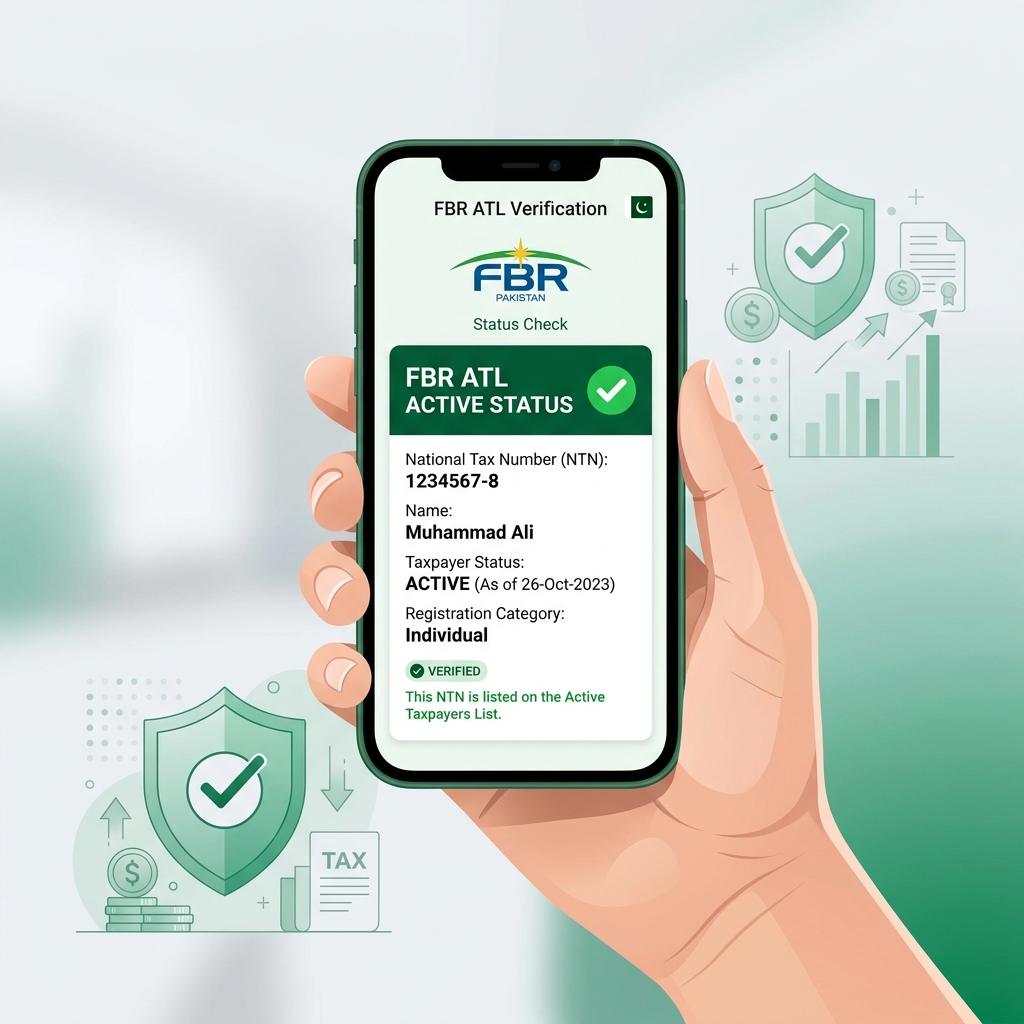
In Pakistan, individuals conducting banking transactions, purchasing property, or registering vehicles must understand the difference between being a "Filer" and a "Non-Filer". The Federal Board of Revenue (FBR) maintains the Active Taxpayer List (ATL). Being an active filer entitles you to lower withholding tax rates on bank withdrawals, utility payments, and asset transactions, often reducing taxes by half compared to non-filers.

How to Check Your ATL Status via SMS

If you do not have internet access and want to check your status instantly, you can use FBR's dedicated SMS service:

  1. Open your mobile text messaging app.
  2. Type: ATL [space] 13-digit CNIC Number (without dashes, e.g., ATL 4210112345678).
  3. Send this message to 9966.
  4. Within a few seconds, you will receive an automated reply from FBR confirming whether your status is active or inactive.

How to Verify Your Status Online on the FBR Portal

For a more detailed verification, including checking which tax years have been filed, follow these online steps:

  • Visit the official FBR Iris portal.
  • Navigate to the Active Taxpayer List (Income Tax) verification page.
  • Select your search parameter (CNIC, NTN, or Passport number) and enter the details.
  • Enter the date and captcha code, then click search to view your current status.

Tax Savings for Filers

Salaried employees and business owners can save substantial amounts by being registered taxpayers. If you are a non-filer, extra taxes are deducted from your payroll and bank transactions. To calculate your net take-home salary and estimated tax brackets, you can use our free Income Tax Calculator or Salary Tax Calculator, which are fully updated with the latest FBR tax slabs.

How to Activate an Inactive Status

If you have filed your tax returns but your status still shows as inactive, you may need to pay the ATL late-filing surcharge. You can generate a surcharge challan of Rs 1,000 (for individuals) on the FBR portal. Once paid, your active status will be restored.